You haven't signed in yet, you can have a better experience after signing in
*Please complete the payment within {{receiveCouponInfo.expire_at}}Previous use*
You haven't signed in yet, you can have a better experience after signing in



Activity Rules
1、Activity time:{{ info.groupon.start_at }} ~ {{ info.groupon.end_at }}。
1、Activity time:cease when sold out。
2、Validity period of the Group Buying:{{ info.groupon.expire_days * 24 }} hours。
3、Number of Group Buying:{{ info.groupon.need_count }}x。
Please Pay Attention
1、Teamwork process: Join/initiate a Group Buying and make a successful payment - Within the validity period, the number of team members meets the activity requirements - Group Buying succeeded!
2、If the number of participants cannot be met within the valid period, the group will fail, and the paid amount will be refunded in the original way.
3、The number of people required and the time of the event may vary among different products. Please pay attention to the rules of the event.
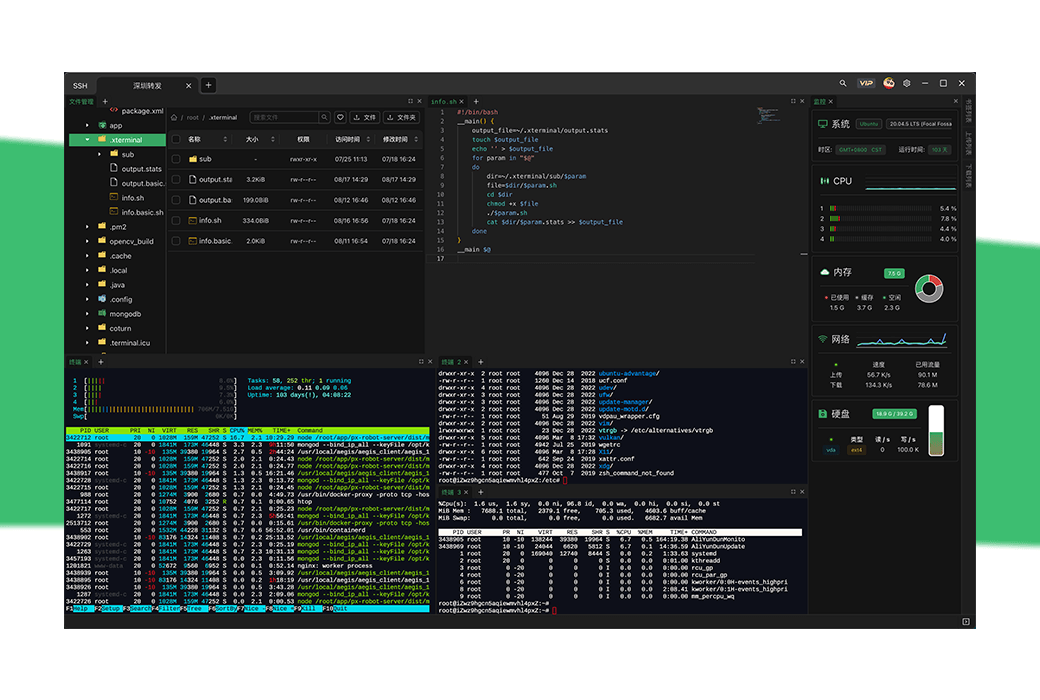
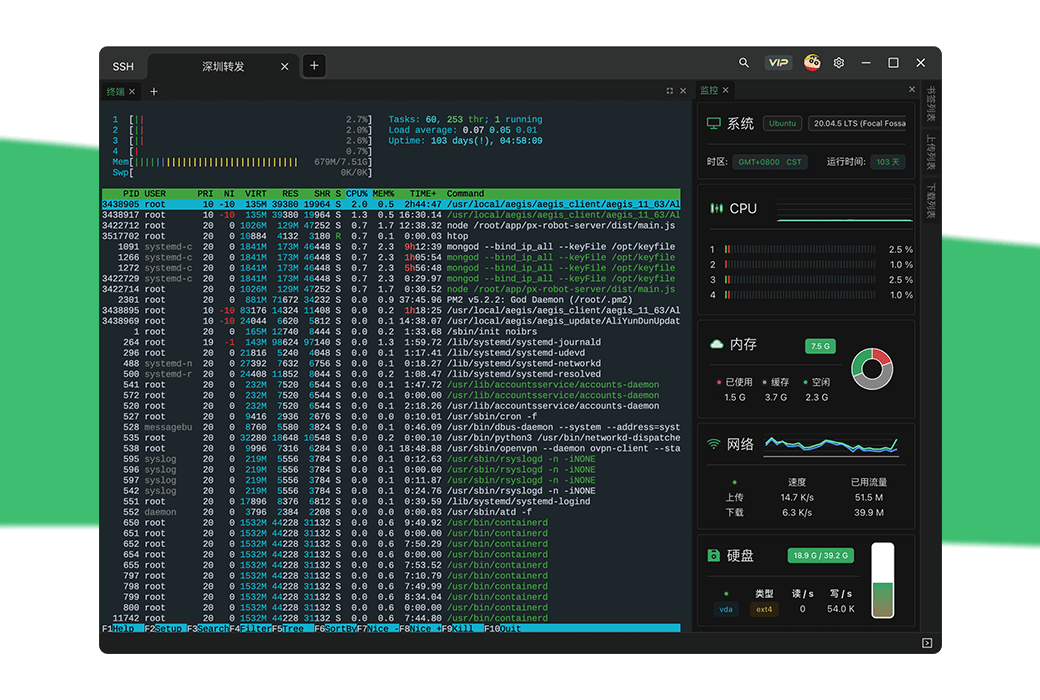
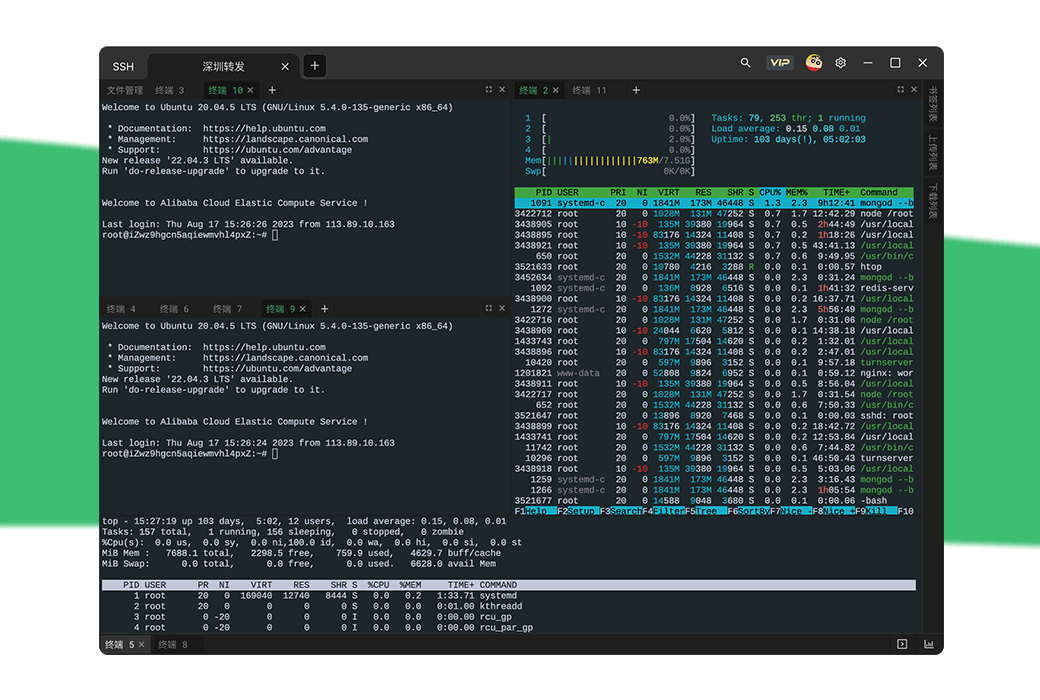
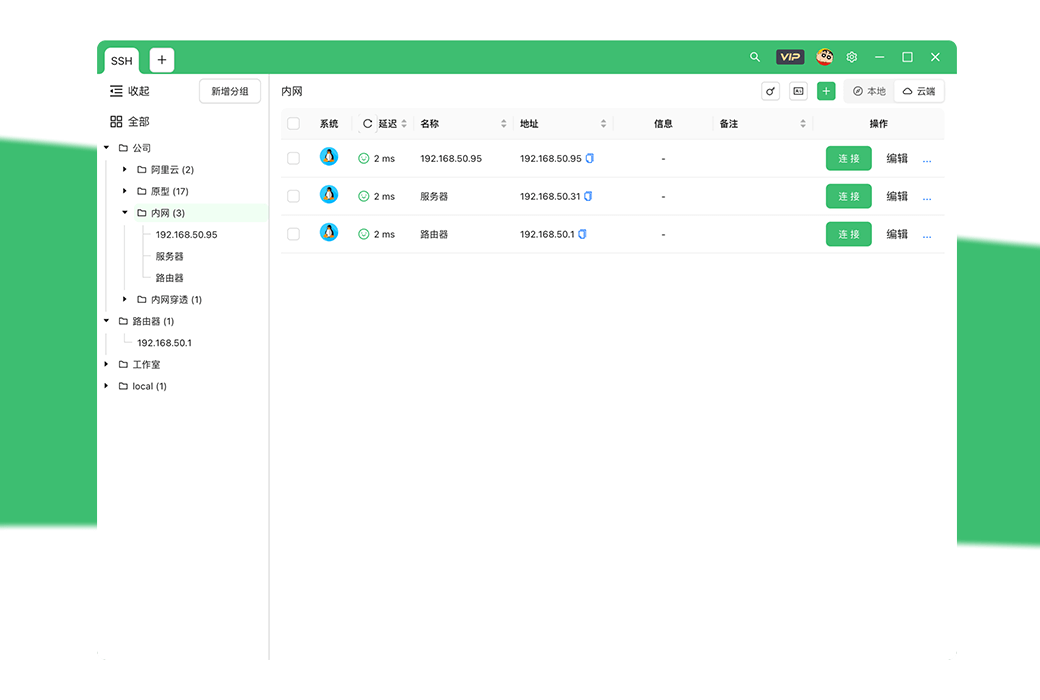
Not only is it a powerful SSH tool, but it also provides a local console and more to come
The development related features launched allow you to focus on creating excellent code
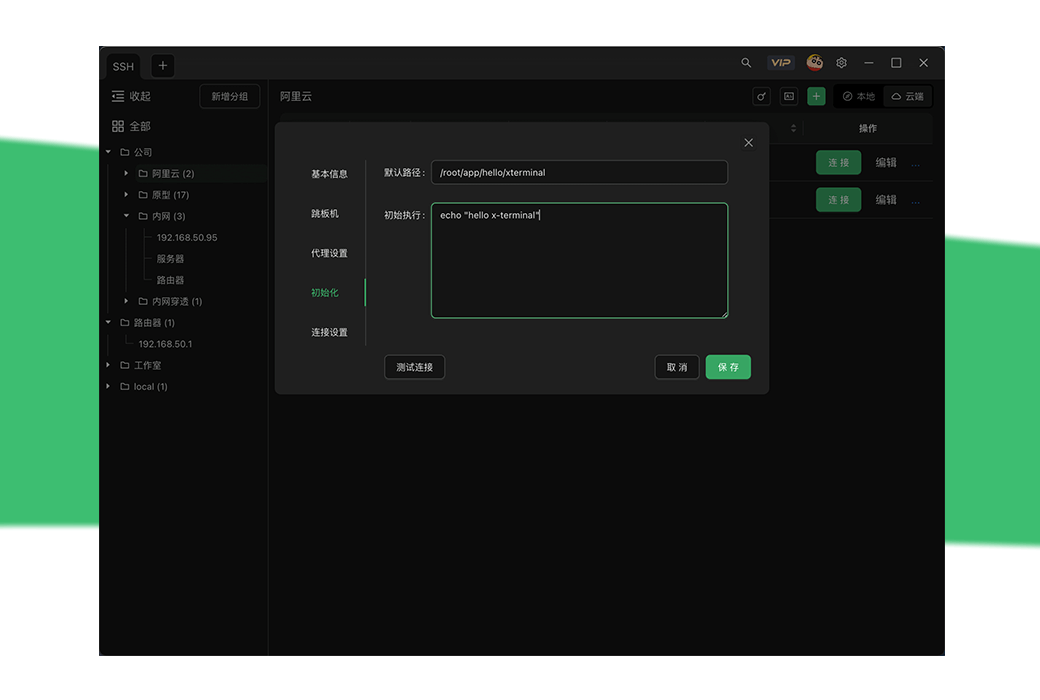
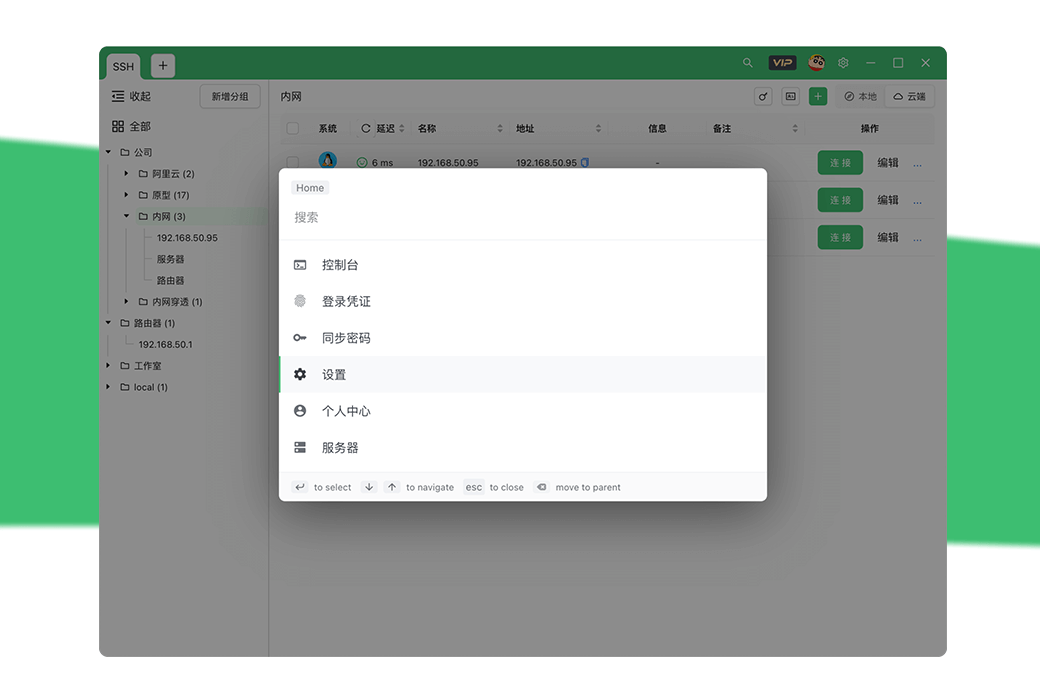
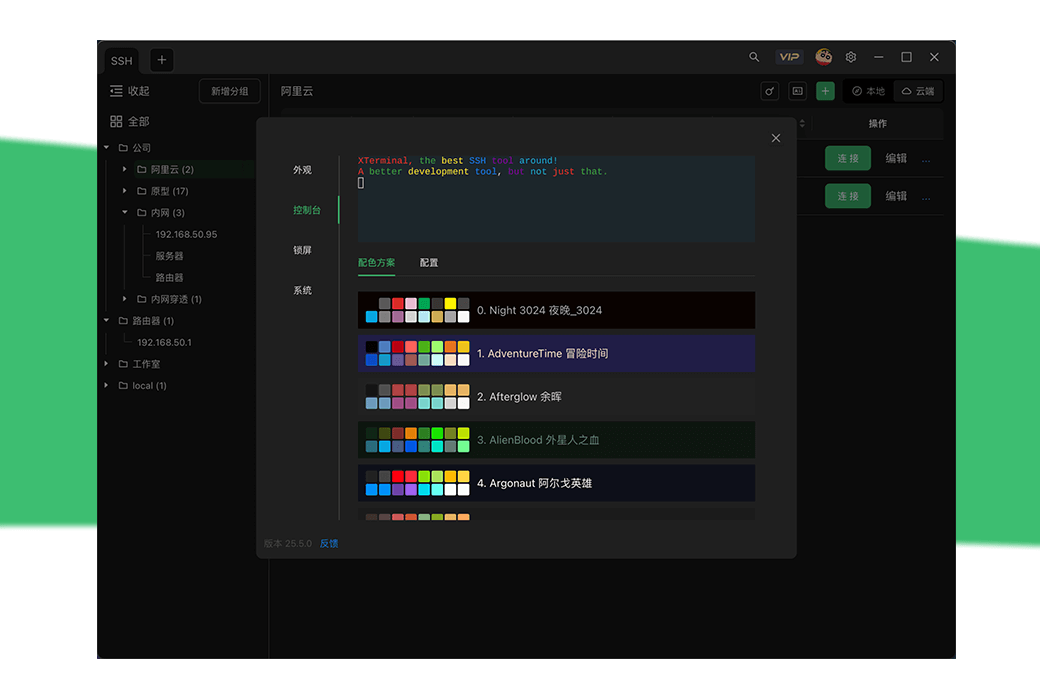
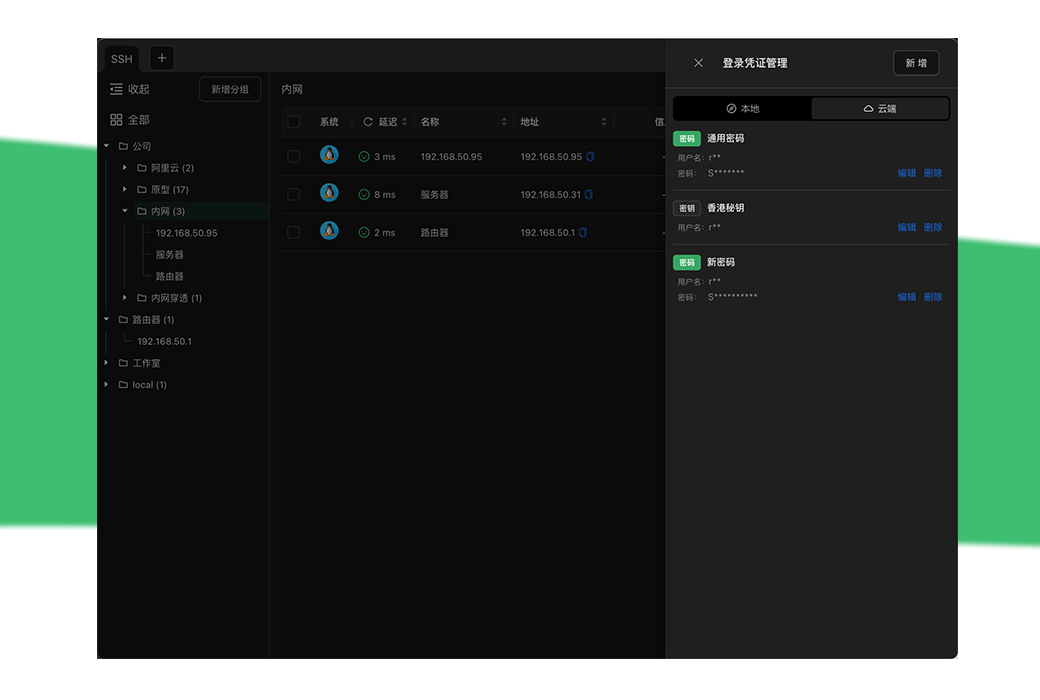
App、 Quick actions, multi-level grouping, dazzling colors, login credentials
AI empowerment, intelligent command prompts, decompression for the brain
AI answers, AI prompts, command prompts, translation
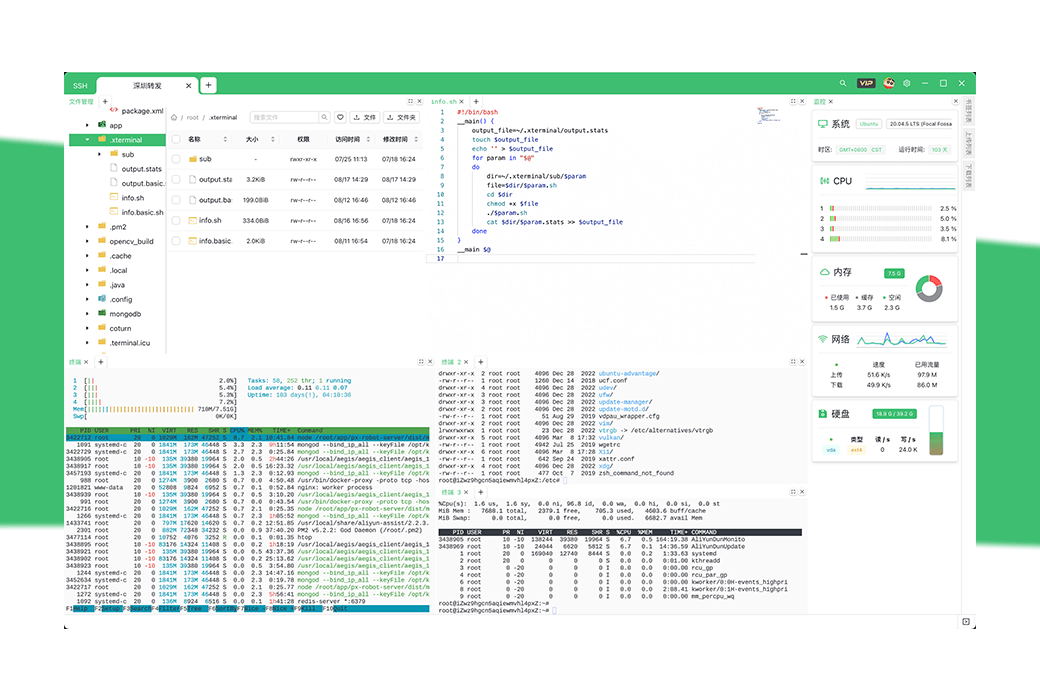
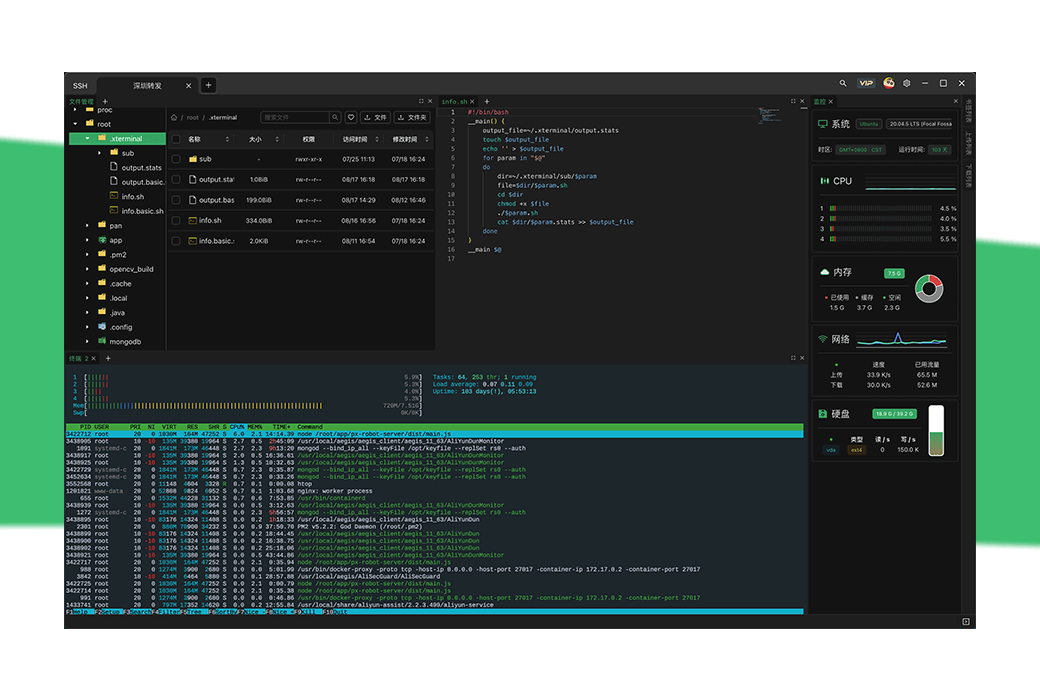
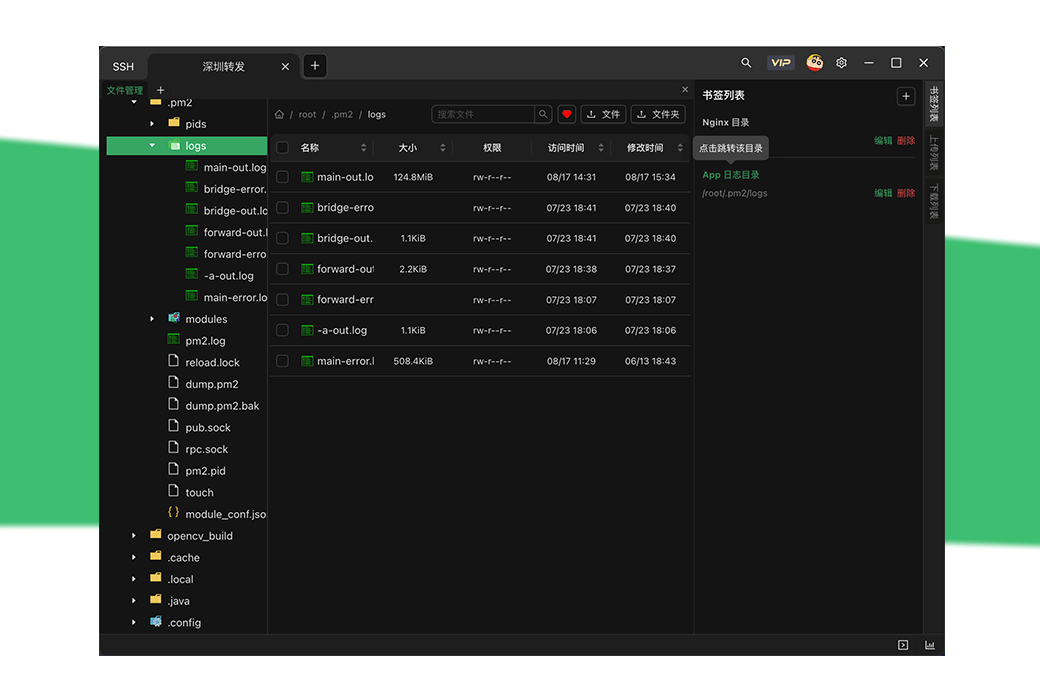
Customized layout, easy operation of files and real-time system monitoring
SSH、 Monitoring panel, custom layout, bookmark jump, proxy
Official Website:https://www.xterminal.cn/
Download Center:https://xterminal.apsgo.cn
Delivery Time: Automatic delivery within 24 hours
Operating Platform: Windows, macOS, Linux
Interface Language: Supports Chinese interface display, with multiple languages available.
Update Instructions: Use and update within the validity period. Permanent · Diamond VIP users can use permanently and support lifelong updates and upgrades.
Trial Before Purchase: Free trial available before purchase.
How to Receive the Product: After purchase, the activation information will be sent to the email used for ordering, and you can also view the corresponding product activation code in your personal center, My Orders.
Number of Devices: Unlimited installation of devices.
Changing Computers: Uninstall on the original computer and log in with the account on the new computer for activation.
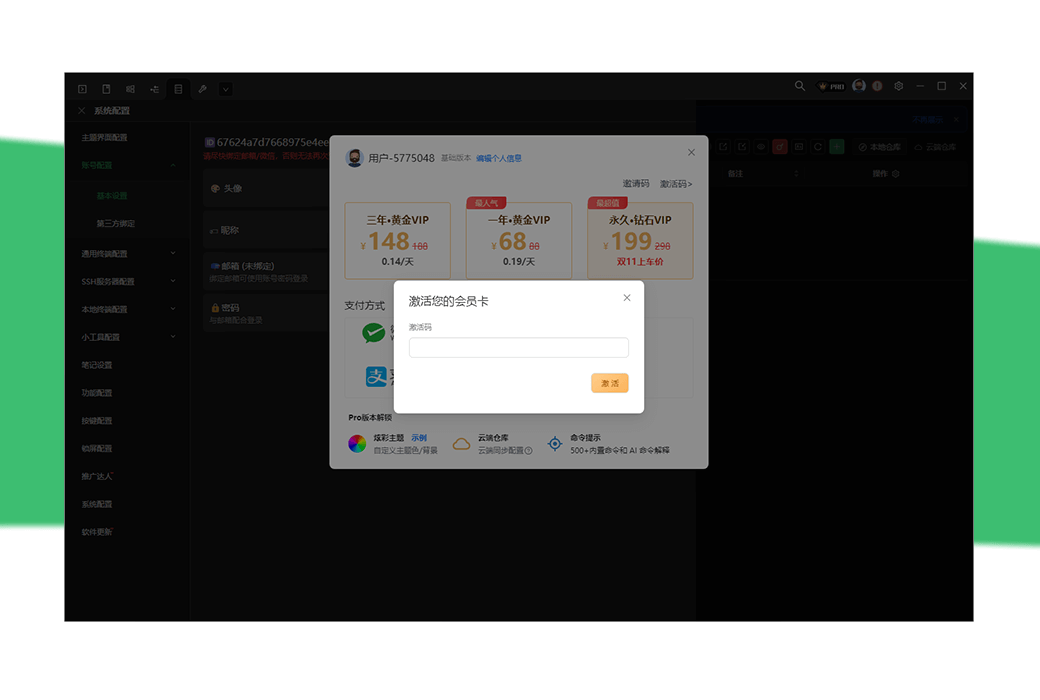
Activation Guide: To be added. Open the Xterminal software, register and log in to the account, click on "Activation Code" to copy and paste the activation code, and activate the account.
Special Instructions: To be added.
References:https://www.yuque.com/u64817/isrom7

Any question

Button configuration
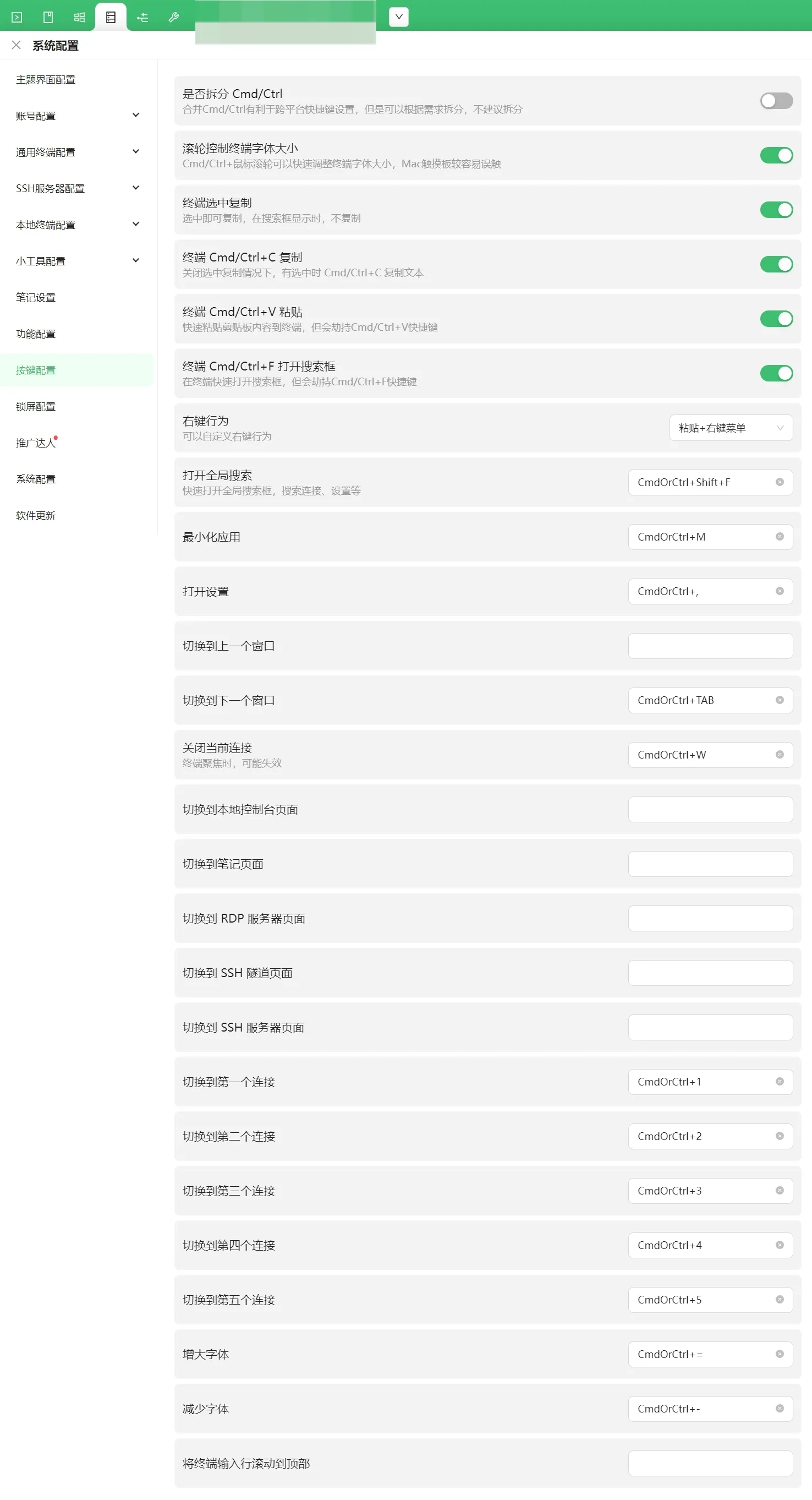
a. Whether to split and merge CMD/Ctrl is beneficial for cross platform shortcut key settings, but it can be split according to needs and is not recommended.
b. Using the wheel control terminal font size CMD/Ctrl+mouse wheel can quickly adjust the terminal font size, making it easier to accidentally touch the Mac touchpad.
c. Select 'Copy' on the terminal to copy, and do not copy when displayed in the search box.
d. When copying is turned off on the terminal and selected, CMD/Ctrl+C copies the text.
e. Terminal CMD/Ctrl+V copies and quickly pastes the contents of the clipboard to the terminal, but it hijacks the shortcut keys of CMD/Ctrl+V.
f. Terminal CMD/Ctrl+F copies the quick open search box on the terminal, but it will hijack the shortcut key of CMD/Ctrl+F.
g. Right click behavior
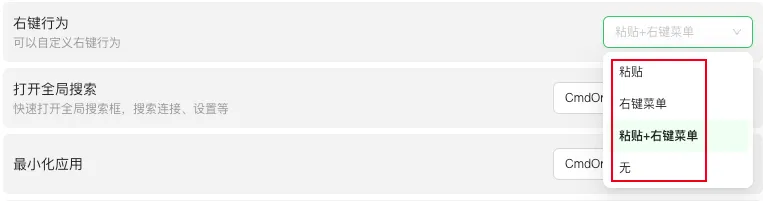
Paste: Right click, paste and copy the content on the clipboard.
Right click menu: Right click to bring up a shortcut menu.
Paste+Menu: Right click, paste and copy the content on the clipboard at the same time, and a shortcut menu will pop up.
h. Open global search to quickly access the global search box, search for links, settings, and more.
i. Minimize applications quickly. Minimize applications.
j. Open the settings shortcut to access the settings function.
k. Switch to the previous window l. Switch to the next window m. Close the current connection